Article
Useful Desk Gadgets for Small Workspaces (Under $40)
Quick Answer
Useful Desk Gadgets for Small Workspaces (Under $40): quick answer
A small desk is a finite resource: maybe 48 inches of surface, and it's already carrying the monitor, the keyboard, the coffee mug, the notebook, and...
- Topic: Gadgets.
- Related product category: gadgets.
- This article keeps the main answer in the article copy and places relevant product context inside the guide.
The Small Desk Isn't the Problem — It's Everything Sitting on It
A small desk is a finite resource: maybe 48 inches of surface, and it's already carrying the monitor, the keyboard, the coffee mug, the notebook, and the phone. Add a lamp, a speaker, a charger — and suddenly there's no room for actual work. The typical small-desk setup isn't too small; it's overcrowded with things that do one job each and demand permanent real estate for it. The fix isn't a bigger desk — it's choosing gadgets that earn their square inches. A speaker that also holds your phone. A light that doubles as a mood fix. A charger cable that's always there because it lives there. A night light that kills the "too dark to work" problem without claiming a lamp's worth of space. Every gadget on this list does its main job plus something else, or does its job so well it replaces two other things. This guide covers six desk gadgets under $40, each solving a specific small-workspace problem: the speaker that's also a phone stand, the humidifier that doubles as ambient light, the neck fan for the stuffy corner, the cable that's always at your desk, the fast-charge cord for the laptop station, and the touch light that replaces the desk lamp.
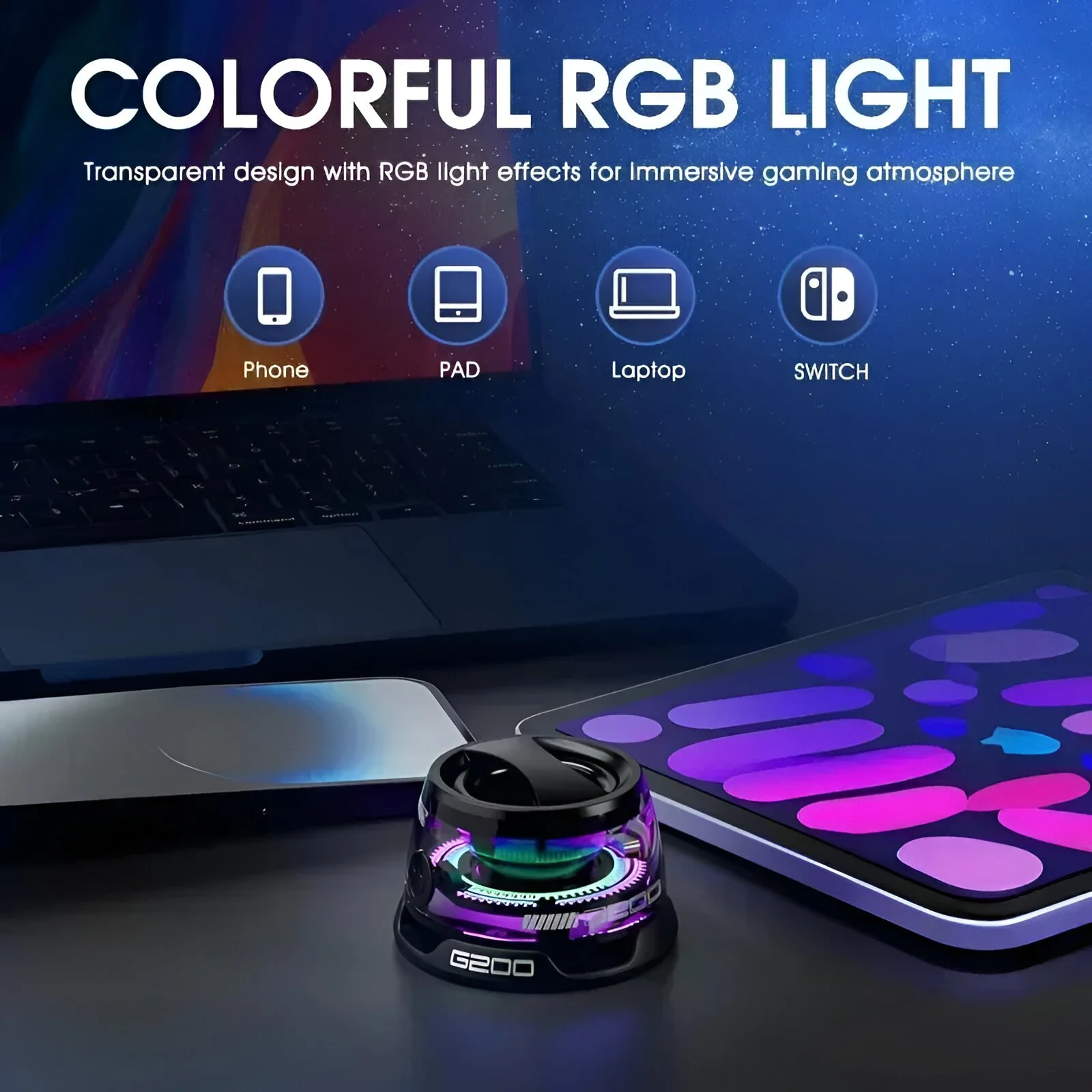
1. The Phone-Real-Estate Fix: Portable Bluetooth 5.3 Mini Speaker with RGB Light & Magnetic Phone Stand — $15.49
The problem it solves: The phone that claims permanent desk space — sitting flat, taking up room, and doing nothing but being in the way. This speaker is also a phone stand, so the phone gets a home, the desk gets music, and the RGB light adds a mood layer — three jobs, one footprint. [Portable Bluetooth 5.3 Mini Speaker with RGB Light & Magnetic Phone Stand](/products/portable-bluetooth-5-3-mini-speaker-with-rgb-light-and-magnetic-phone-p-008121) ($15.49) — a Bluetooth speaker with an integrated phone stand and RGB light. The magnetic phone stand holds the phone upright, the speaker provides audio, and the RGB light adds ambient color. What you're getting: A three-in-one that consolidates the desk audio, the phone holder, and ambient lighting into one compact unit. The phone stands upright (visible, reachable, off the desk surface), the speaker plays music/podcasts/calls, and the RGB light sets the mood for focus or wind-down. One device, one footprint, three functions. Who it's for: Anyone whose desk has both a phone lying flat and a speaker taking space. Small offices where every inch counts. Also a genuinely great gift for students and remote workers — it's the kind of gadget people want but don't buy for themselves. Honest limits: Mini speaker = mini sound. It's fine for podcasts and background music; it's not a party speaker. RGB is ambient, not functional lighting. And the magnetic stand works best with the phone against the intended surface — check compatibility with your phone case.
2. The Dry-Air Fix: Mini USB Aroma Humidifier & Essential Oil Diffuser with Soft LED Light — $13.49
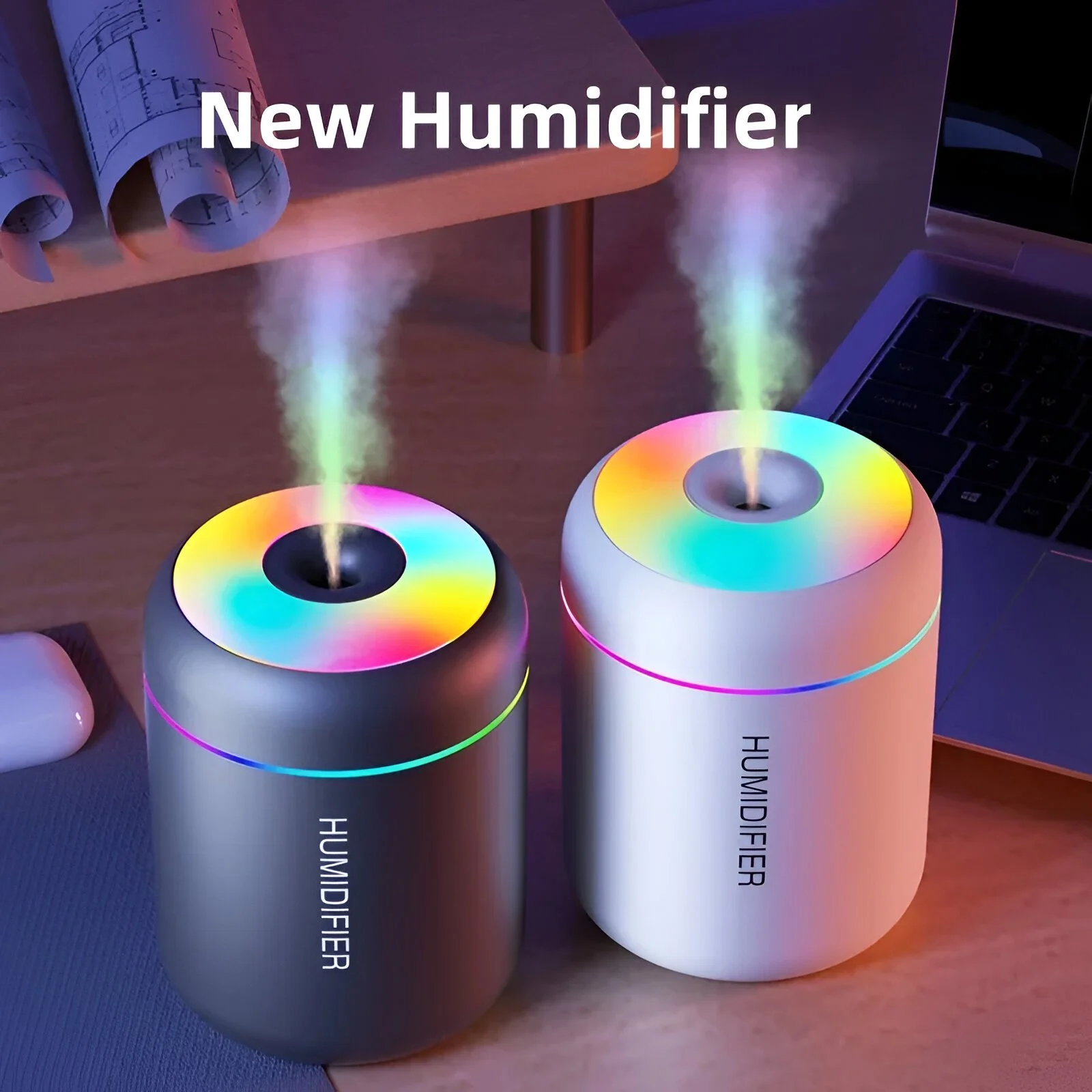
The problem it solves: The desk in a dry office or air-conditioned room — the afternoon headache, the dry eyes, the scratchy throat. A mini humidifier on the desk adds moisture to the immediate air, and this one doubles as an aroma diffuser and a soft light. [Mini USB Aroma Humidifier & Essential Oil Diffuser with Soft LED Light](/products/mini-usb-aroma-humidifier-and-essential-oil-diffuser-with-soft-led-light-p-008199) ($13.49) — a mini USB humidifier with essential oil diffusing and a soft LED light. USB power means it runs from the computer, a power bank, or a wall adapter. What you're getting: Desk-level humidity and optional aroma, in a small unit that sits beside the monitor. The soft LED adds a gentle glow for late work without the harshness of overhead light. The USB power keeps it running from your existing setup — no separate outlet needed. Who it's for: Office workers in air-conditioned rooms, anyone who gets afternoon headaches or dry eyes at the desk, and people who want a calming scent (lavender for wind-down, citrus for focus). Also a nice touch for the home office that needs atmosphere. Honest limits: Mini humidifier = mini coverage — it humidifies the desk zone, not the whole room. It needs refilling (check tank size) and periodic cleaning to avoid buildup. The diffuser function needs essential oils, which are an ongoing purchase.
3. The Stuffy-Corner Fix: Wearable Neck Fan with LED Lights — $32.65
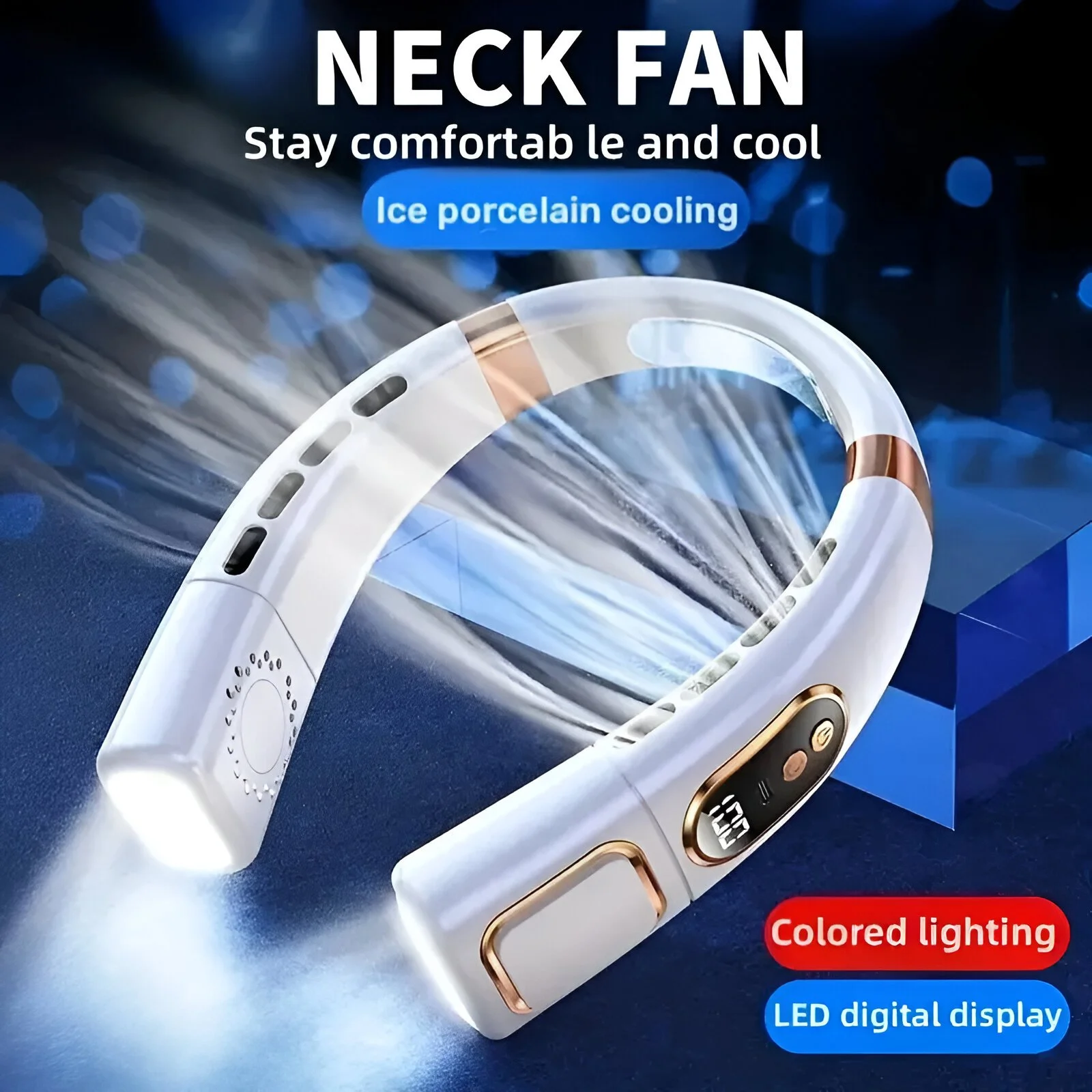
The problem it solves: The desk in the stuffy corner — no window, no airflow, and by 3 p.m. the concentration is gone. A wearable neck fan puts a personal breeze right where you need it, hands-free, without claiming any desk space at all. [Wearable Neck Fan with LED Lights](/products/wearable-neck-fan-with-led-lights-p-007999) ($32.65) — a wearable neck fan with LED lights, worn around the neck for hands-free personal cooling. The neck design is the value: it cools without touching the desk or occupying any surface. What you're getting: Hands-free personal airflow that works anywhere — the desk, the commute, the outdoor lunch. Because it's worn, it claims zero desk real estate. The LED lights add visibility (and a bit of fun) for evening use. Rechargeable means it refills from the USB port. Who it's for: Anyone in a stuffy workspace, commuters who walk or wait outdoors, and people who get hot at the desk but can't change the room temperature. Also genuinely useful outdoors — the fan works for yard work and picnics. Honest limits: Neck fans are personal cooling, not room cooling — the breeze is for you. The battery life is measured in hours, not days; recharge overnight. The LED lights are a bonus, not the feature — if you don't want lights, check for a non-LED version.
4. The Always-Missing Cable Fix: USB-C to Lightning Fast Charge Cable 29W PD for iPhone & iPad — $15.95
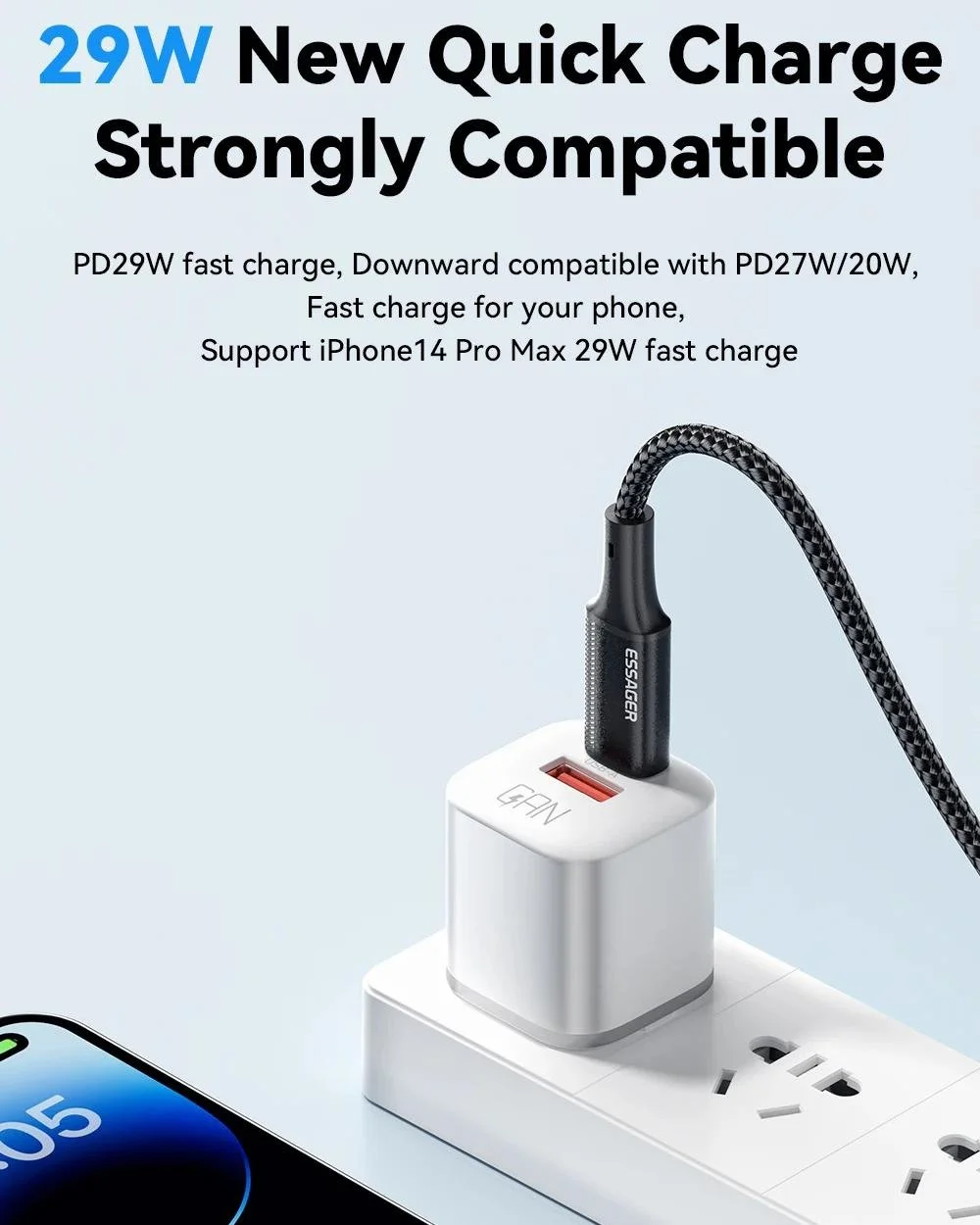
The problem it solves: The phone cable that's always missing — borrowed, lost, or tangled in the drawer. A dedicated cable that lives at the desk means the phone always has a charge spot. This one is fast-charge rated (29W PD), so the phone tops up quickly between calls and meetings. [USB-C to Lightning Fast Charge Cable 29W PD for iPhone & iPad](/products/usb-c-to-lightning-fast-charge-cable-29w-pd-for-iphone-and-p-008048) ($15.95) — a USB-C to Lightning cable rated at 29W Power Delivery for fast charging of iPhone and iPad. The PD rating is the feature: real fast charge, not the slow trickle of a bargain cable. What you're getting: A desk-dedicated fast-charge cable that ends the "where is the cable" hunt. USB-C on one end means it works with modern chargers, laptops, and power banks. The 29W PD rating means the phone charges visibly fast — a 20-minute top-up between meetings, not a slow overnight trickle. Who it's for: iPhone/iPad users who want a permanent desk charge spot, anyone tired of slow-charging bargain cables, and travelers who want one reliable cable instead of three flaky ones. Honest limits: Lightning is Apple-specific — Android users need USB-C to USB-C (that's pick #5). Cable quality matters over time — a braided or reinforced cable lasts longer than a plain one. And PD fast charge needs a PD-capable charger; a weak wall adapter negates the speed.
5. The Laptop-Station Fix: 240W USB-C to USB-C Fast Charging & Data Cable 6.5ft PD 3.1 — $24.65
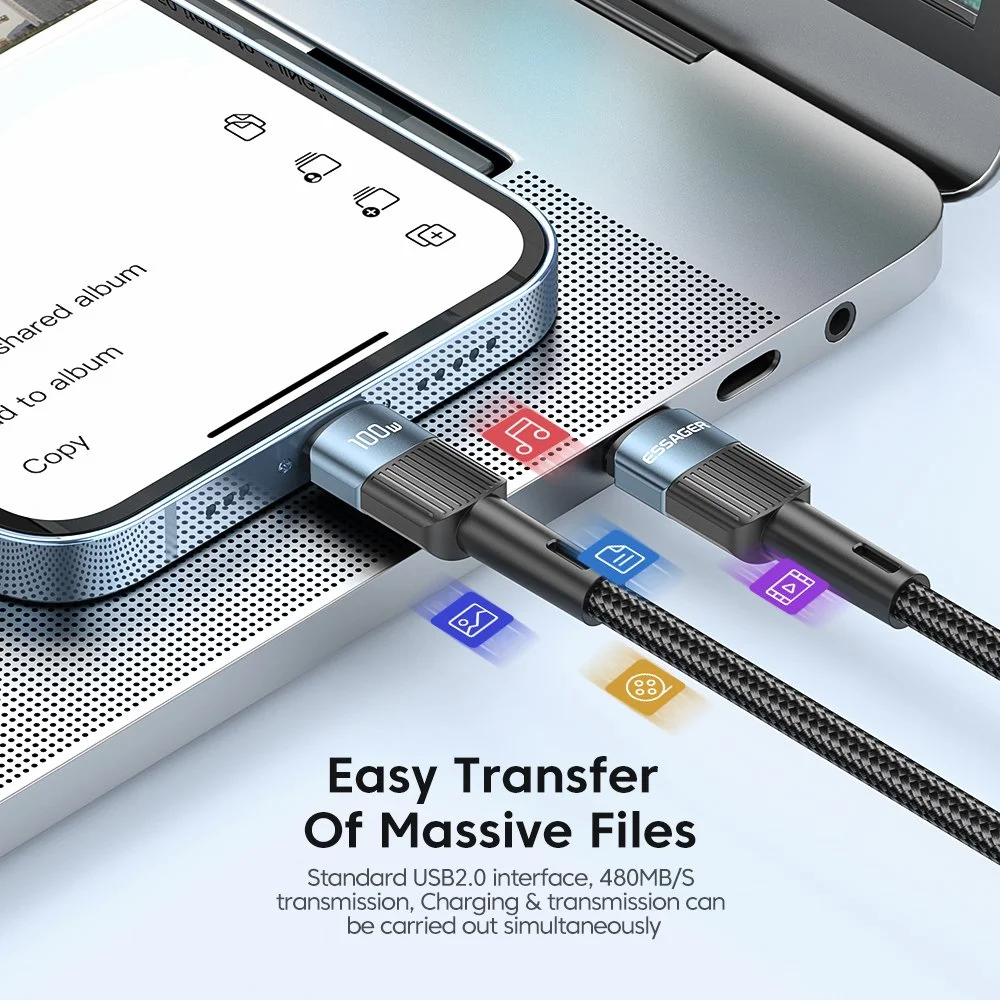
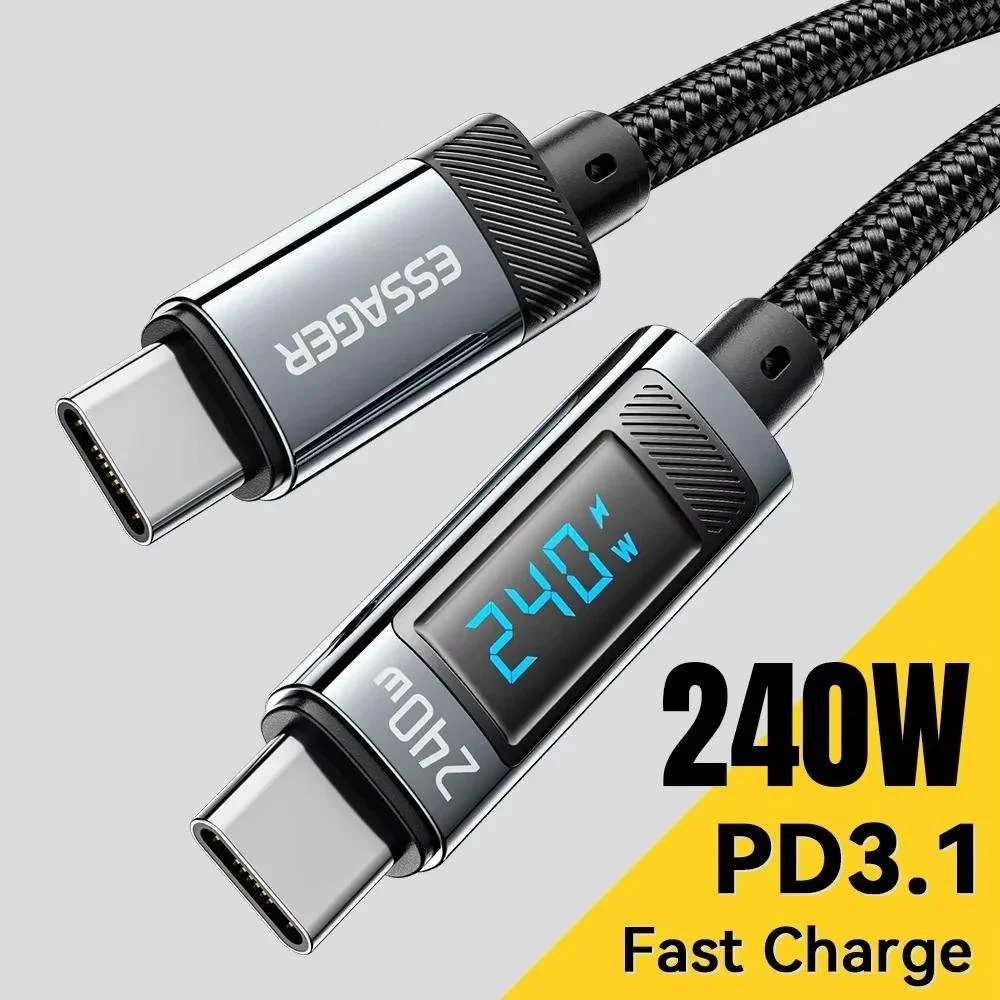
The problem it solves: The laptop cable that's too short, too slow, or both. A 6.5-foot USB-C to USB-C cable with PD 3.1 (240W) covers the distance from outlet to desk and charges the laptop at full speed while carrying data. [240W USB-C to USB-C Fast Charging & Data Cable 6.5ft PD 3.1 Charger](/products/240w-usb-c-to-usb-c-fast-charging-and-data-cable-6-p-008234) ($24.65) — a 6.5-foot USB-C to USB-C cable rated at 240W with PD 3.1, supporting fast charging and data transfer. The length and rating are the features: reach, speed, and one-cable-for-everything. What you're getting: A desk-length cable that charges the laptop fast and transfers data — one cable for the charger, the external drive, and the phone. The 6.5-foot length means the laptop isn't chained to the outlet; the 240W rating future-proofs it for high-power devices. It's the "cable that does everything" upgrade for the permanent desk. Who it's for: Laptop users whose stock cable is too short, anyone with multiple USB-C devices who wants one good cable, and power users who transfer large files over the same cord they charge with. Honest limits: USB-C to USB-C doesn't serve older Apple devices (those need Lightning). The 240W rating is headroom — most laptops draw less; the cable just handles it. And cable durability varies; a reinforced/braided build lasts longer in daily desk use.
6. The Too-Dark Fix: RGB Touch Night Light with Remote & Timer — $24.99
The problem it solves: The desk in a dim room — too dark for comfortable work at the end of the day, but a full desk lamp claims too much surface. A compact touch light with RGB options and a timer provides adjustable light without the lamp footprint. [RGB Touch Night Light with Remote & Timer](/products/rgb-touch-night-light-with-remote-and-timer-p-008097) ($24.99) — an RGB touch-controlled night light with a remote and timer. The touch control and remote mean the light adjusts without getting up; the timer sets it to turn off automatically. What you're getting: Adjustable desk lighting in a compact footprint. The RGB modes cover warm work light, cool focus light, and ambient color; the remote adjusts it from the chair; the timer handles the "lights off" at the end of the workday. It replaces the bulky lamp with something that sits in a corner and obeys commands. Who it's for: Anyone whose desk is in a dim corner, people who work into the evening, and anyone who wants adjustable mood lighting without the lamp bulk. Also a good bedside or shelf light for the same reason. Honest limits: A night light is accent lighting, not task lighting — it won't replace a proper work lamp for reading fine print or detailed work. The remote needs to stay within range (fine for a desk). And RGB is fun but not for everyone — if the aesthetic is strictly neutral, a plain warm-light version may fit better.
The Desk-Gadget Comparison
| Pick | Price | Desk problem it solves | Best for | Watch out for |
|---|---|---|---|---|
| Mini Speaker + Phone Stand + RGB | $15.49 | Phone + audio + mood in one footprint | Small desks, students | Mini sound |
| USB Humidifier + Diffuser | $13.49 | Dry air + atmosphere | Office workers | Desk-zone only |
| Wearable Neck Fan | $32.65 | Stuffy corner, zero desk space | Warm offices, commuters | Personal cooling |
| USB-C to Lightning Cable | $15.95 | Phone cable always missing | iPhone users | Apple-only |
| 240W USB-C Cable 6.5ft | $24.65 | Short, slow laptop cable | Laptop users | USB-C only |
| RGB Touch Night Light | $24.99 | Dim room without lamp bulk | Evening workers | Accent not task light |
Editor's Buying Notes: Every Gadget Should Earn Its Square Inches
The small desk is a finite resource, and the rule is simple: every object on it should do at least two jobs or replace two things. The speaker with phone stand is the model citizen — it replaces a separate phone stand, a separate speaker, and adds the RGB mood layer, all in one footprint. That's the standard every desk gadget should meet. The wearable neck fan is the best example of thinking beyond the desk surface. It doesn't claim a single square inch of desk — it solves the stuffy-corner problem from your shoulders. When the desk is full, the best gadget is the one that doesn't go on it. The humidifier is the same logic in miniature: it claims a small corner but does three jobs (humidity, aroma, soft light) in that corner. Cables are the hidden desk hog. A phone cable that's always missing, a laptop cable that's too short — these are quiet productivity drains disguised as minor annoyances. The dedicated desk cable ends the "where is the charger" search permanently. The 6.5-foot 240W cable solves the outlet-distance problem that every laptop user hits eventually. Neither is glamorous; both get used more than anything else on the desk. For lighting, be honest about what the desk needs. An RGB touch light is accent lighting — it sets mood and fills a dim corner, but it won't replace a proper task lamp for detailed work. If the desk is the evening workspace, add real task lighting first and treat the RGB light as the atmosphere layer. If the desk is mostly daytime, the RGB light covers the dusk hours fine. The buying mistake that crowds small desks: buying a gadget for its spec sheet instead of its footprint. A full-size speaker sounds better but eats the desk. A desktop humidifier with a huge tank covers more room but claims the corner. On a small desk, the compact compromise is the right call — the goal is a functional surface, not the best-performing individual components. A lean desk upgrade (speaker + one cable + the light) runs about $56 and covers the three biggest small-desk annoyances: audio, charging, and lighting. The full setup at $127 covers air, cooling, and complete connectivity — worth it for the permanent home office, overkill for the occasional desk.
Common Desk-Gadget Mistakes to Avoid
The first mistake is buying for the spec sheet instead of the footprint. A full-size speaker sounds better but eats the desk. A desktop humidifier with a huge tank covers more room but claims the corner. On a small desk, the compact compromise is the right call — the goal is a functional surface, not the best-performing individual components. The second mistake is adding gadgets before removing clutter. A new cable organizer won't help if half the cables are obsolete; a phone stand won't fix a desk covered in paper. Purge first, then add the gadget that organizes what remains. The third mistake is ignoring the "every gadget earns its square inches" rule. The speaker with phone stand replaces two things in one footprint; the neck fan claims zero desk space. Anything that adds a footprint without replacing something is a net loss on a small desk. The fourth mistake is buying lighting without knowing the job. An RGB touch light is accent lighting — it sets mood but won't replace a task lamp for detailed work. If the desk is the evening workspace, buy real task lighting first and treat the RGB as the atmosphere layer. The fifth mistake is buying desk gadgets for a desk you don't actually use. The humidifier and the RGB light only matter if you're at the desk daily. For the occasional desk, the cables and the phone stand are the real upgrades.
The Three-Zone Small Desk Setup
A small desk works better when every item belongs to a zone. Without zones, gadgets drift toward the center, cables cross the keyboard area, and the whole surface becomes a holding area instead of a workspace. The goal is simple: keep the center clear, push support items to the edges, and give charging a permanent lane. The center zone is for active work only: keyboard, mouse, notebook, and the item you are using right now. Nothing from this guide needs to live in the center. The phone should be upright in the speaker stand, not flat beside the keyboard. The humidifier should sit off to one side, where mist will not blow directly into electronics or paper. The night light should sit at the back or corner, where it adds light without blocking hand movement. The left or right edge becomes the utility zone. This is where the speaker stand, humidifier, and touch light make sense. Put them on the side that matches your hand habits. If you write on the right side of the desk, put gadgets on the left. If you keep a drink on the left, move electronics to the right. Small desks do not forgive random placement, so the side zone should stay consistent. The back edge becomes the cable lane. The USB-C to Lightning cable and the 240W USB-C cable should enter from the back or side, not snake across the middle. A longer cable is useful only when the extra length is routed cleanly. Coil the slack behind the monitor, under the desk, or beside the power adapter so the cable gives reach without creating visual clutter. The off-desk zone is just as important. The neck fan is useful because it avoids the desk surface entirely. When a gadget can solve a problem without sitting on the desk, that is a real advantage in a small workspace. Keep it on a hook, shelf, or bag pocket instead of letting it become another object on the work surface. This zone approach makes the desk feel larger without changing the desk. The center stays usable, the edges handle support functions, and cables stop acting like permanent clutter.
Power and Safety Notes for Desk Gadgets
USB-powered gadgets feel simple, but the power source still matters. A humidifier, speaker, fan, light, phone cable, and laptop cable should not all be treated as interchangeable loads from one weak hub. If the desk uses several USB devices at once, a reliable wall charger or powered hub is a better foundation than borrowing power from a laptop port all day. The humidifier needs the most placement caution. Keep it away from laptops, keyboards, paper stacks, and open power strips. Mini humidifiers create a small mist zone, and that is the point, but moisture and electronics should not share the same corner. Use clean water, empty the tank when it sits unused, and clean it regularly so the desk upgrade does not become a maintenance problem. The two charging cables should be matched to the right charger. The USB-C to Lightning cable needs a PD-capable USB-C charger to deliver fast charging. The 240W USB-C cable has high headroom, but the actual charging speed still depends on the charger and device. A powerful cable connected to a weak brick will behave like a weak charger. Labeling the desk charger or keeping the cable with its intended adapter reduces confusion. Lighting also needs a job. Use the RGB touch light as background or evening fill, not as the only light for long reading sessions. If the desk work involves documents, drawing, crafting, or detailed repairs, add proper task lighting. The touch light is best as a compact atmosphere and visibility layer, especially for video-call backgrounds, late email checks, and low-light rooms. The best small-desk setup is not the one with the most gadgets. It is the one where each powered item has a reason, a place, and a cable path.
FAQ
Q: What's the best first upgrade for a small, cluttered desk? A: The speaker with phone stand (pick #1). It consolidates three common desk items into one footprint — instant visible decluttering. Q: Do these gadgets actually reduce desk clutter, or add to it? A: Each pick replaces something: the speaker replaces a separate stand + speaker; the neck fan claims zero desk space; the cables end the hunt for loose cords. The humidifier and light are the only "new" items, and both earn their footprint with dual functions. Q: What's the total cost to outfit a small desk with these? A: About $127 for all six. A lean setup (speaker + cable + light) is about $56; a full setup covering audio, air, cooling, charging, and lighting is the full set. Q: Can these gadgets work for a shared or temporary workspace? A: Yes — everything is compact, USB-powered, and packable. The neck fan and phone cable travel easily. The speaker and humidifier are small enough to pack into a bag for a co-working day. Q: Are USB-powered gadgets safe to run from a laptop's port? A: The humidifier and fans draw modest power and are generally fine from a laptop USB port, but a powered hub or wall adapter is more reliable. Charging cables (picks #4, #5) are meant to plug into chargers, not laptop ports, for fast charge. Q: Which pick is the best gift for a remote worker? A: The speaker with phone stand ($15.49) or the RGB touch light ($24.99). Both are useful, affordable, and the kind of upgrade people appreciate but don't buy for themselves. Q: Will the mini speaker sound good enough for calls? A: Yes for calls and podcasts. For music-listening sessions, it is still a mini speaker with limited bass; manage expectations and it is a fine desk companion.